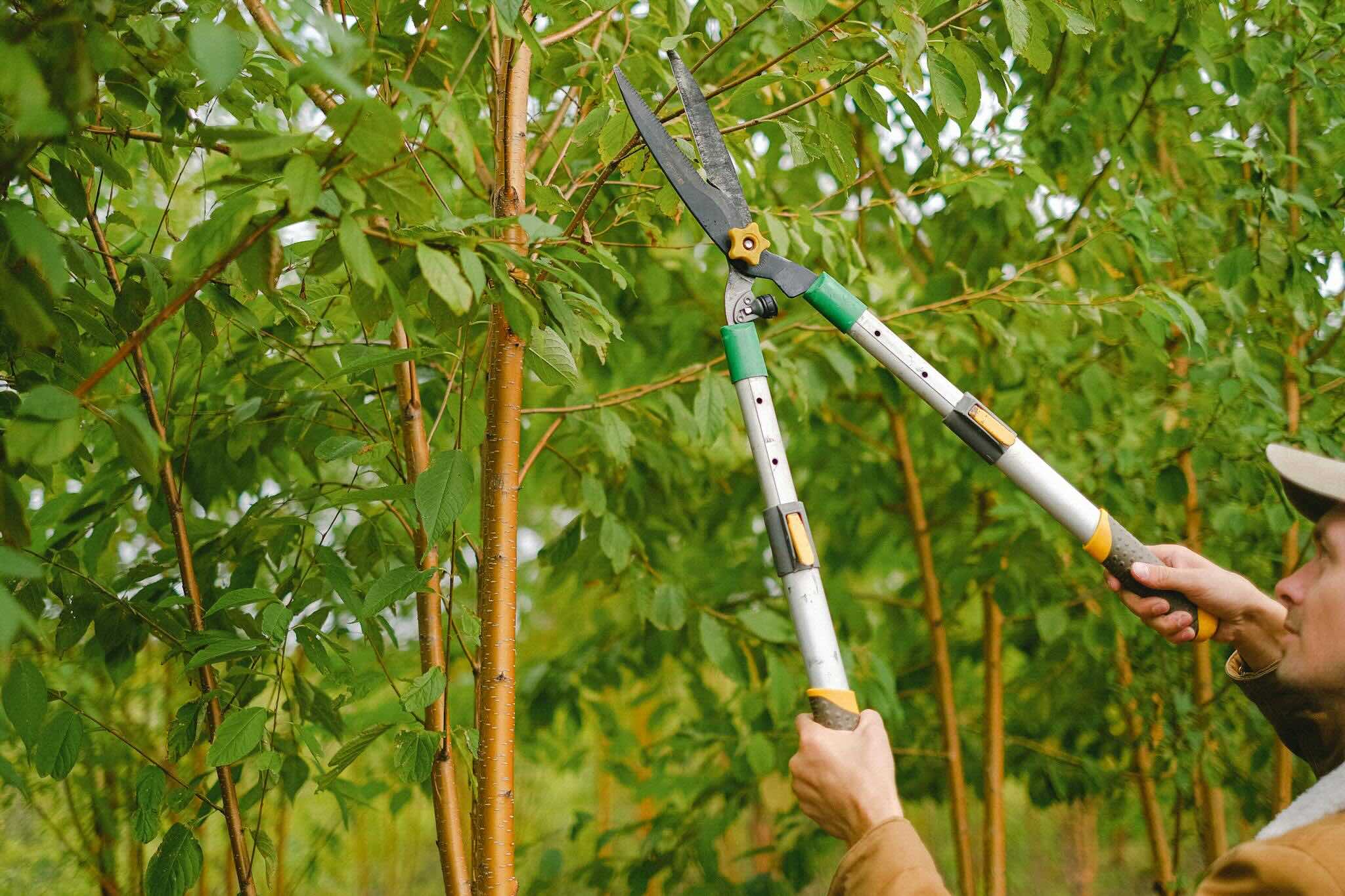
Is your website full of old, underperforming pages that drag down your SEO? Just like pruning a plant helps it grow healthier, pruning your website helps it perform better in search results and for your visitors.
Content pruning is the process of removing content from a website to improve its overall quality. This is content that's duplicate, outdated, thin, inaccurate, underperforming, or purposeless. Later, we'll take a closer look at these types.
When you remove low-quality content, that increases the overall quality of the website. This makes the site better for humans, improving user experience (UX). It also makes the site better for search engines, improving search engine optimization (SEO).
How do you know what content needs pruning? Perform a content audit, looking at criteria like the following.
You can use Google Search Console, Google Analytics, Bing Webmaster Tools, Ahrefs, Screaming Frog, and other tools to find info about your content, such as the following.
The numbers to look for will vary by content type. For example, blog posts generally have a low conversion rate, whereas landing pages should have higher conversion rates.
As you prune, you have several options for what to do with your content.
If the page has valuable info, is getting traffic, ranks well, or has good backlinks, you can leave it as-is. If there's any room to improve it, follow the next section to update it.
For any page that has valuable info, is getting traffic, ranks well, or has good backlinks, see what you can do to improve it. Here are some ways to do that:
When you find multiple pages about the same topic, choose the best or highest-ranking page, then pull from all the other pages to make that the single page that contains the best of all those pages.
After doing that, create a 301 redirect from all the pages on the topic to the single page.
You may have pages that you don't want to appear in search results, but you do want to keep on your site. For example, thank-you pages that appear after a user submits a form, or a sales page that you send directly to prospects. Set these to noindex to ask search engines to not include them in their indexes.
If it doesn't make sense to update, consolidate, or noindex a page, it may be best to delete it. This is a good choice when the page doesn't have any valuable content, isn't getting any traffic, isn't ranking well, and doesn't have any worthwhile backlinks.
When you delete a page, create a 301 redirect from the URL of the deleted page to the most similar related page.
If there's nothing similar on your site and the old page wasn't getting any traffic, ranking, or worthwhile backlinks, you can skip creating a redirect and letting the user get a 404 error if they land on the deleted URL.
The more pages your site has, and the more often you add content, the more frequently you should prune it. For a smaller site (tens or hundreds of pages) or a site adding new less often than weekly, pruning every 6-18 months should be fine. For a larger site (over 1,000 pages) or a site adding content weekly or more often, pruning every 3-6 months could be useful.
Any major change to your business or website is also a good time to prune (e.g., your business is rebranding, significantly changing products or services, or targeting a different audience, or you're redesigning the website).
Another time to consider pruning is if you notice negative trends to metrics (e.g., declining organic traffic, high bounce rates, low pages per session, short session duration).
Pruning website content may sound tedious, but it’s an effective way to improve SEO. If you’d rather have experts handle it, contact us about our search engine optimization (SEO) services.